New: Contract Registration Screen!
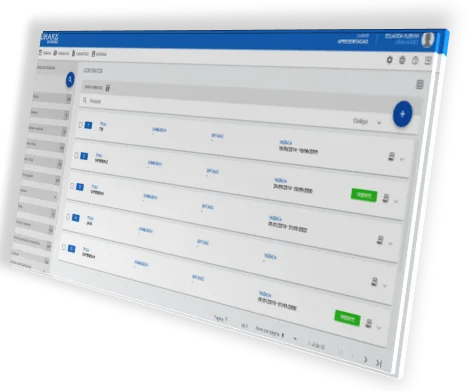
🎉We are introducing a new way to create and manage contracts in the system!🎉
With a more modern and intuitive interface, the contract registration screen1 will have a fresh new look starting next 12/10! And, in addition to the new interface, new information for registering contracts has also been added, making it possible to include attachments, contract items, legal guidance and more!
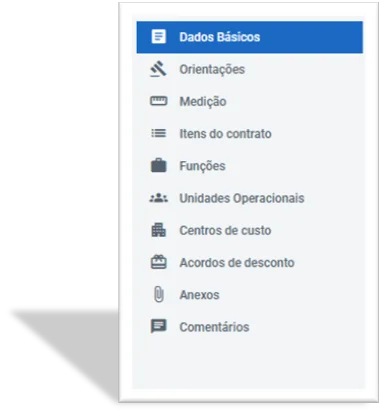
As with the worker and entity registration screens, we have made available an interface where registration is managed on a page (rather than a window on the screen), and you can access the registration steps through the menu on the left side of the screen.
To access the new screen, your profile only needs to have the “Maintain Contract” permission assigned.
If you have more questions about how to use this screen, our Wiki documentation is already updated, where you can find more information about accessing and managing the screen, by clicking here.
Thank you for your continued support and feedback. We are always looking for ways to improve DRAKE to make it the best possible platform for you.
If you have any questions or need help with the new screen, do not hesitate to contact us.
2. Access: (Registrations>Shift Change>Contracts>Registrations) ↩︎